
If you already have a trading strategy for NinjaTrader, cTrader, or another platform, moving it to TradingView usually means rewriting it in Pine Script. The trading idea may be the same, but each platform uses different functions for indicators, order handling, stop losses, position management and session logic.
Xen AI for TradingView can help with this conversion process. You provide the existing strategy source code, Xen analyses the trading logic, and creates a Pine Script v6 version that you can check, compile, and test in TradingView.
In the example shown below, we convert a NinjaTrader strategy that uses EMA crossover signals, RSI confirmation and ATR-based risk management. You can use the same workflow with strategies from other trading platforms where the original source code is available.
£5 Free Credit for New Users
New users currently receive £5 of free Xen AI credit. Xen uses pay-as-you-go pricing, so you buy additional credit only when you need it. Try Xen AI for TradingView
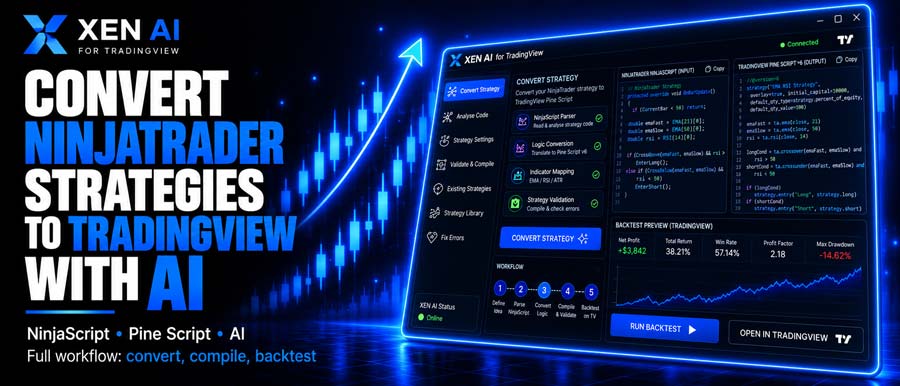
Convert an existing strategy to Pine Script
A strategy conversion is more involved than translating individual lines of code. Xen needs to understand what the original strategy is trying to do and then reproduce that behaviour using TradingView's strategy model.
For example, a NinjaTrader strategy may use EnterLong(), EnterShort(), SetStopLoss() and SetProfitTarget(). A cTrader cBot uses a different API again. TradingView uses Pine Script functions such as strategy.entry(), strategy.exit() and strategy.close().
Xen converts these platform-specific instructions into Pine Script while preserving the underlying entry conditions, exits, indicator calculations and configurable settings where possible.
This can be useful when moving strategies from platforms such as NinjaTrader or cTrader, or when you have strategy code from another environment and want to recreate the same idea in TradingView.
Compile & Publish to TradingView
Once the conversion is complete, copy the generated Pine Script into TradingView's Pine Editor and compile it. If TradingView reports an error, copy the relevant source code and compiler message back into Xen's error-fixing workflow.
This compile-and-repair step is useful because TradingView's compiler is the final authority on whether the script is valid Pine Script. Xen can generate and analyse the code, but the actual TradingView environment provides the definitive compile result.
After the script compiles, add the strategy to a chart and confirm that trades generate as expected. Check the chart markers and the Strategy Tester results, rather than relying on a single performance figure.
Use the Strategy Tester to verify the conversion
The Strategy Tester lets you inspect how the converted strategy performs across historical data, where you can compare the behaviour of the Pine Script version with the original version. If the results differ from the original platform, the cause may be a conversion issue, but it could also be from differences in historical data, bar construction, commissions, slippage, session templates, or order execution rules.
Watch a NinjaTrader strategy being converted
The video below shows the complete workflow using an existing NinjaTrader strategy. We provide the NinjaScript source, convert the strategy to Pine Script v6, move the generated code into TradingView and check the result. The example uses EMA crossover entries, RSI confirmation and ATR-based stop-loss and profit-target logic, so it provides a practical example of converting both trading signals and risk-management rules between platforms.
You can use the same approach for many types of trading strategies. A conversion might involve moving-average systems, breakout strategies, session trading, RSI or MACD filters, ATR stops, trailing stops, multiple targets, time filters or more complex combinations of trading rules.
The key is to treat conversion as a development and verification process, not a one-click translation. Convert the original logic, compile it in TradingView, check the trades and backtest results, fix anything that doesn't behave correctly, and only then consider using the strategy with live alerts or broker execution.


