
Xen AI for cTrader, NinjaTrader, MetaTrader & TradingView
ClickAlgo Xen AI is a specialist AI development platform for traders who want to build, modify, convert and repair trading indicators and automated strategies using natural language.
Xen is available for cTrader, NinjaTrader 8, TradingView Pine Script and MetaTrader 5. Each version is built around the APIs, code structure and development workflow of its target trading platform rather than using a generic AI coding interface.
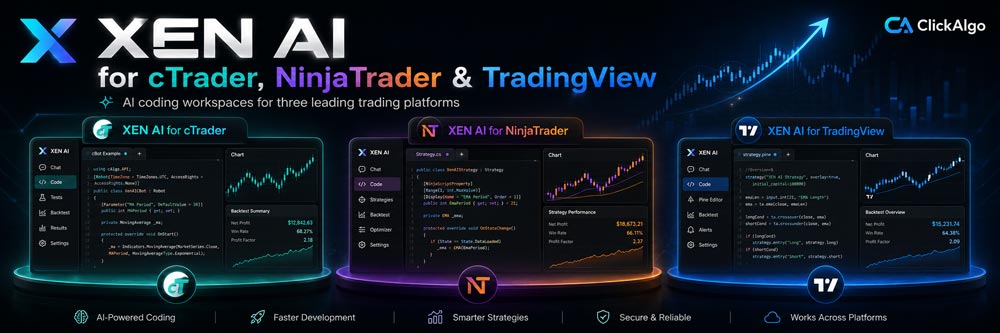
Choose Your Trading Platform
Select the Xen workspace for the platform you use.
AI Development for Trading Platforms
Xen combines AI models with platform-specific workflows to help traders turn trading ideas into working code. You can start with a simple description, refine the requirements, generate code, fix errors, and keep improving the project over multiple development steps.
What Xen Can Do
More Than a Generic AI Code Generator
Trading platform development depends heavily on the target API. Order handling, chart objects, indicators, lifecycle events, multi-timeframe data and strategy execution are implemented differently in cTrader, NinjaTrader, TradingView and MetaTrader.
Xen separates these environments so each version can use platform-specific instructions, examples, validation and development tools. This reduces the risk of generating code for the wrong platform or using unsupported APIs.
Start with a clear description of your trading rules, generate or update the code, and check the implementation against your requirements. Test the result in your trading platform, then refine the project as needed.
No Programming Experience Required
You can use Xen without writing the code yourself. Describe what the trading tool should do in normal language and Xen converts those requirements into the appropriate implementation for the selected platform.
For example, ask Xen to build an EMA crossover strategy, create an RSI indicator with alerts, or add stop loss, take profit and trading session rules to an existing project. You can also request help with compilation errors or convert trading logic to another supported platform.
More experienced developers can also use Xen as a development assistant for code generation, debugging, API implementation and incremental project changes.
One Xen Platform for Each Trading Environment
Use the Xen version that matches the platform where the final indicator or strategy will run.
Open cTrader Xen AI →
Open NinjaTrader Xen AI →
Open TradingView Xen AI →
Start Building with Xen AI
Choose your trading platform and use Xen AI to build, modify, convert or repair your next indicator or automated strategy.

Customer Rating 4.5 / 5
Based on verified reviews from our store.
