
If you already have an Expert Advisor written for MetaTrader 4, moving the strategy to NinjaTrader normally means rewriting the trading logic from MQL4 into NinjaScript. That can take hours because the two platforms handle indicators, orders, positions, session timing and strategy execution differently.
Xen AI for NinjaTrader can use the original .mq4 source file as the starting point. You provide the Expert Advisor, add a short instruction explaining what to preserve, and Xen converts the strategy logic into a NinjaTrader 8 strategy. For a typical EA, the AI cost is often only a few cents, making it practical to test a conversion before committing time to a full manual rewrite.
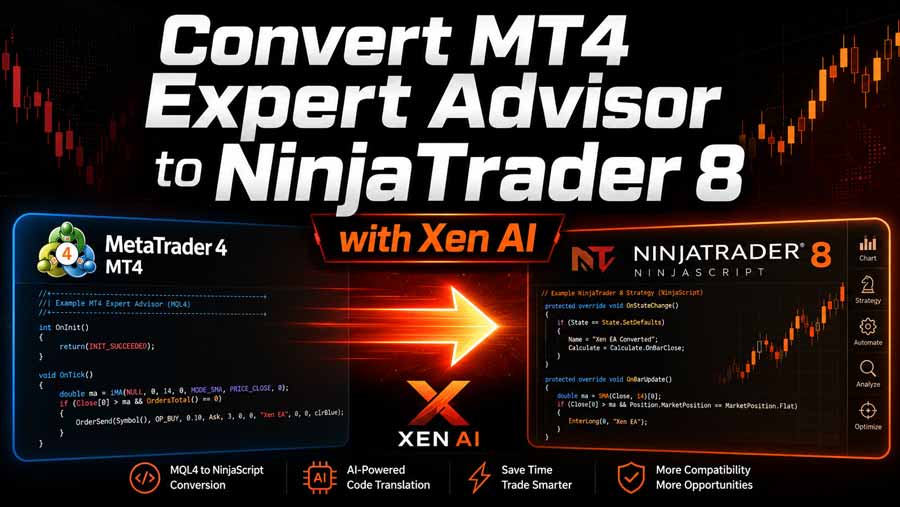
From MQL4 to NinjaScript
For the video example, we used a Donchian breakout Expert Advisor with an RSI filter, ATR-based stops and targets, configurable trading hours and break-even management. This gives the conversion process something more realistic to work with than a basic moving-average crossover.
The MT4 code uses functions such as OrderSend, OrderModify, iRSI, iATR, iHighest and iLowest. Xen needs to understand what those functions do, then reproduce the same trading logic using NinjaTrader's order handling, indicators, and strategy framework.
A quick conversion workflow
The process is straightforward. Add the MT4 Expert Advisor source code to Xen, then ask it to convert the strategy to NinjaTrader 8 while preserving the entry rules, stop loss, profit target, break-even logic and configurable inputs.
Xen generates the NinjaScript and maps MT4-specific concepts to the closest NinjaTrader equivalents. Some parts cannot be translated literally. A Magic Number, for example, has no direct NinjaTrader equivalent, and you may need to implement order management or server-time logic differently.
Once the NinjaScript has been generated, you can run Xen's Build Check to catch compiler errors before opening the strategy in NinjaTrader. From there, you can test the strategy in Strategy Analyser and compare it against the behaviour of the original EA.
Why this is useful
The main advantage is not that the entire migration becomes automatic. It is that you can get from an existing MQL4 strategy to working NinjaScript very quickly, often for only a few cents in AI usage.
That makes it much easier to experiment. If you have several MT4 strategies, you can convert one, inspect the result and decide whether the logic is worth taking further in NinjaTrader before spending hours rewriting it manually.
What still needs checking
A successful conversion does not mean the MT4 and NinjaTrader versions will produce identical trades. The platforms use different execution models, price feeds, order handling, and session behaviour, so you should still review and backtest the converted strategy.
Pay particular attention to session times, position sizing, stop and target behaviour, indicator calculations and any broker-specific logic in the original EA. These are the areas where platform differences are most likely to show up.
If you already have an MT4 Expert Advisor and want to test the same trading idea in NinjaTrader 8, Xen can remove much of the repetitive conversion work and give you a NinjaScript strategy that is ready for build checking, backtesting and further development.


